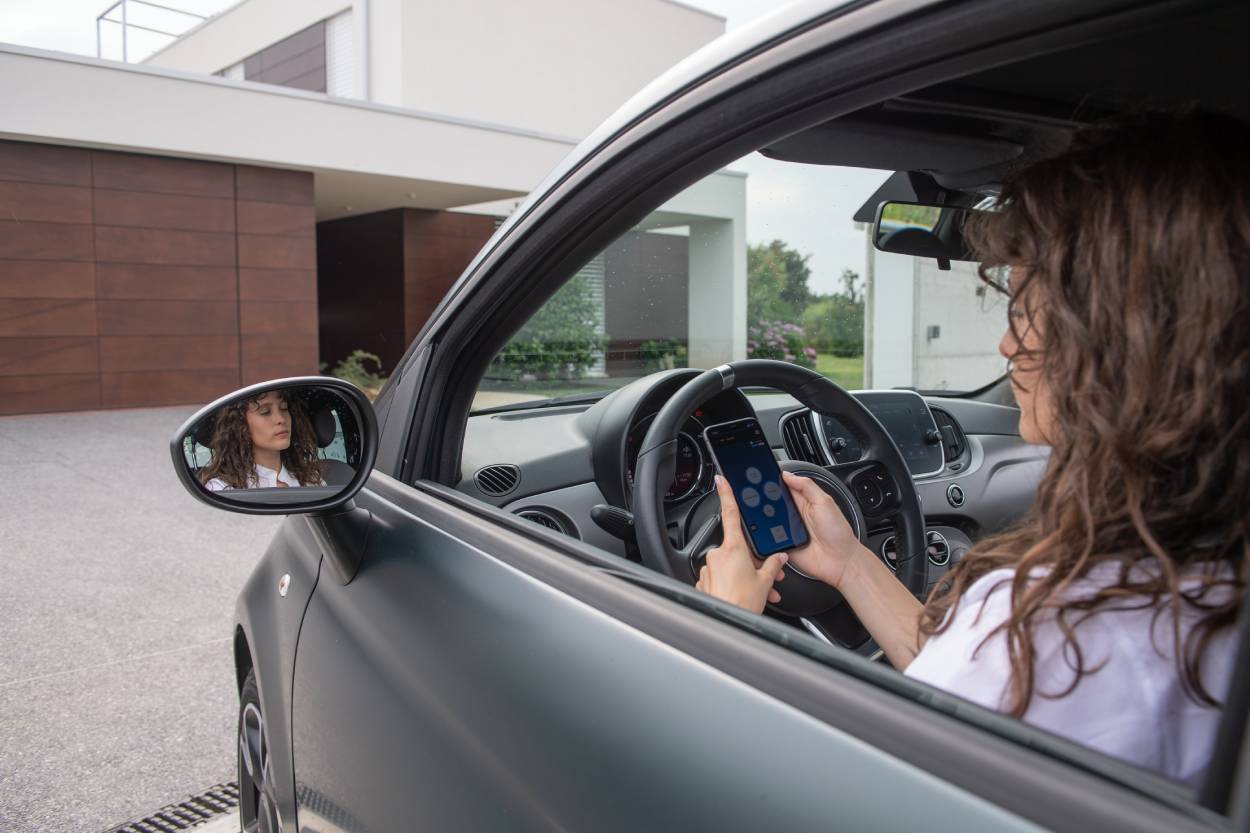
CAME APP’S
Control at your fingertips
DISCOVER OUR MOBILE APPS
Enhance your experience with our diverse range of mobile applications designed for our connected products.
CAME offers a variety of mobile apps across several categories, ensuring the perfect solutions for your needs.
Explore each category to discover detailed pages about the available mobile apps and their unique features:
USER profile: Professional
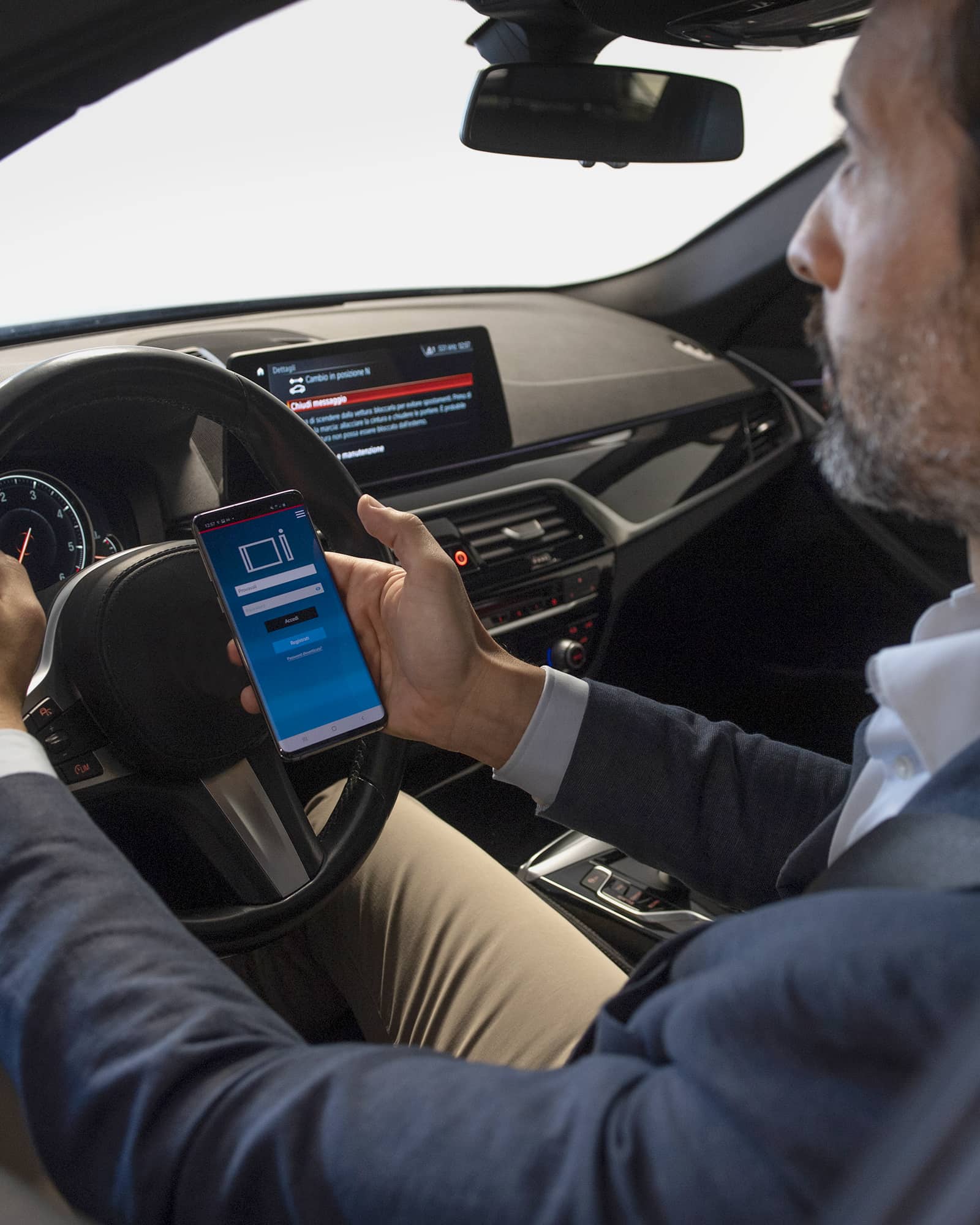
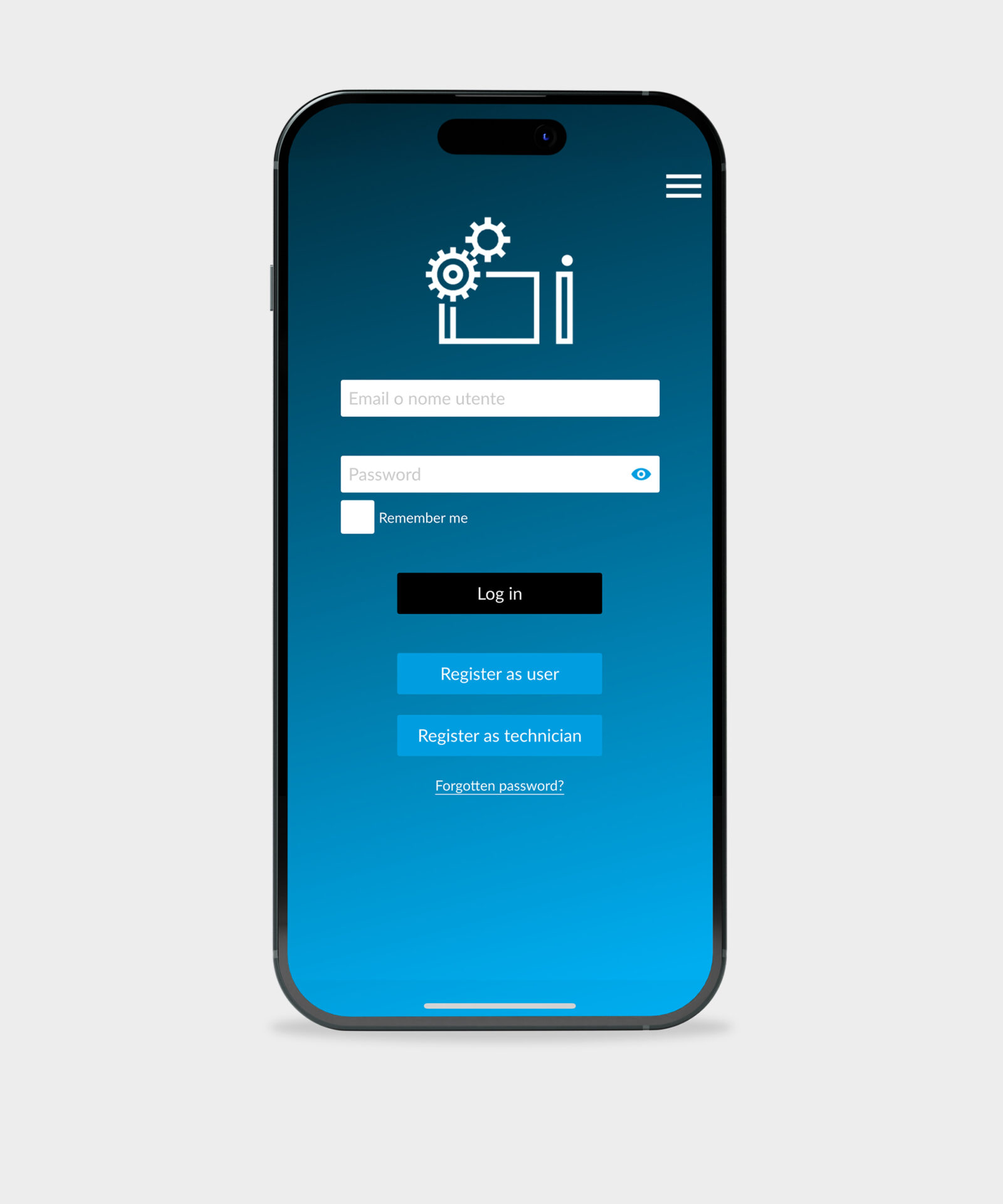
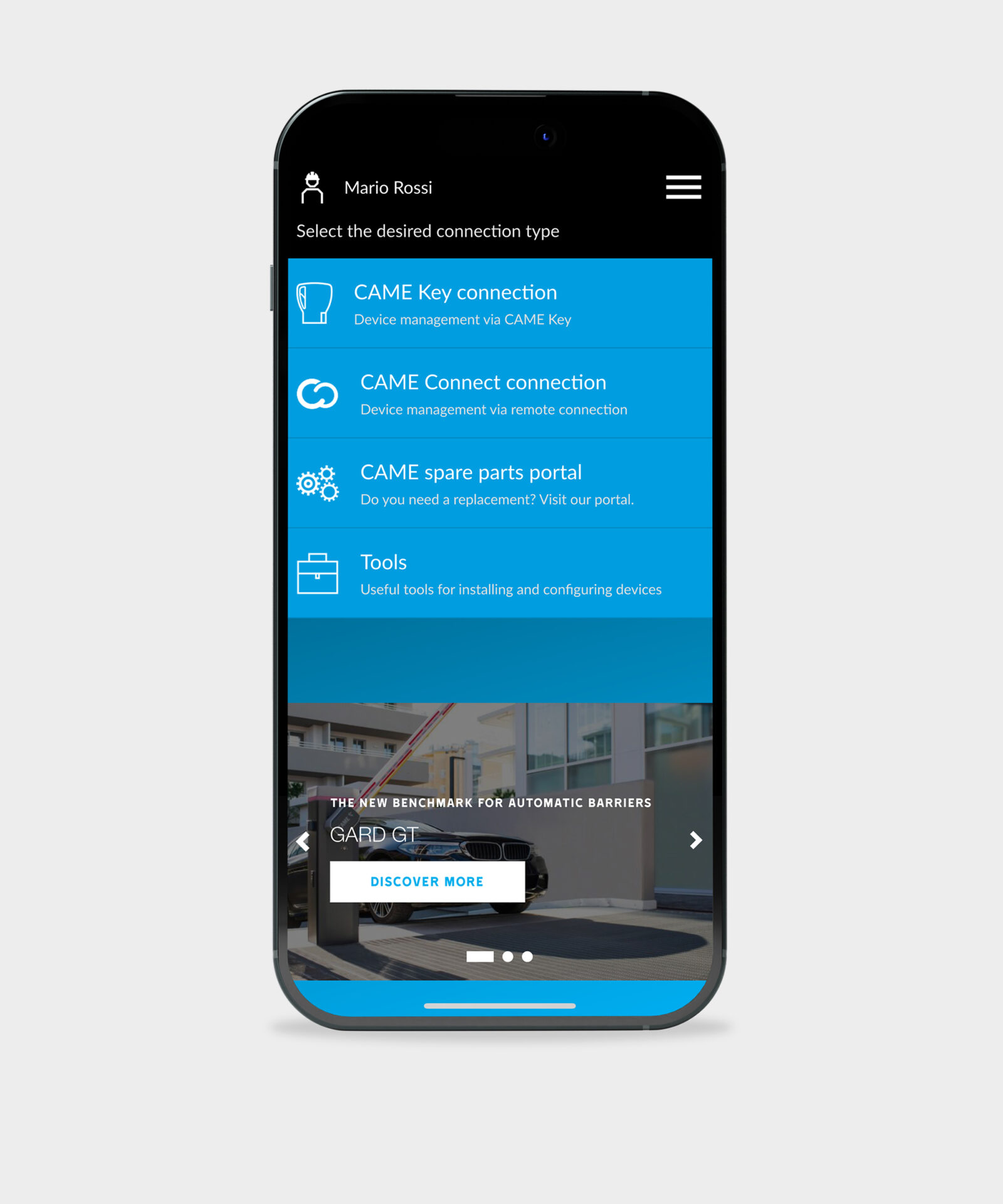
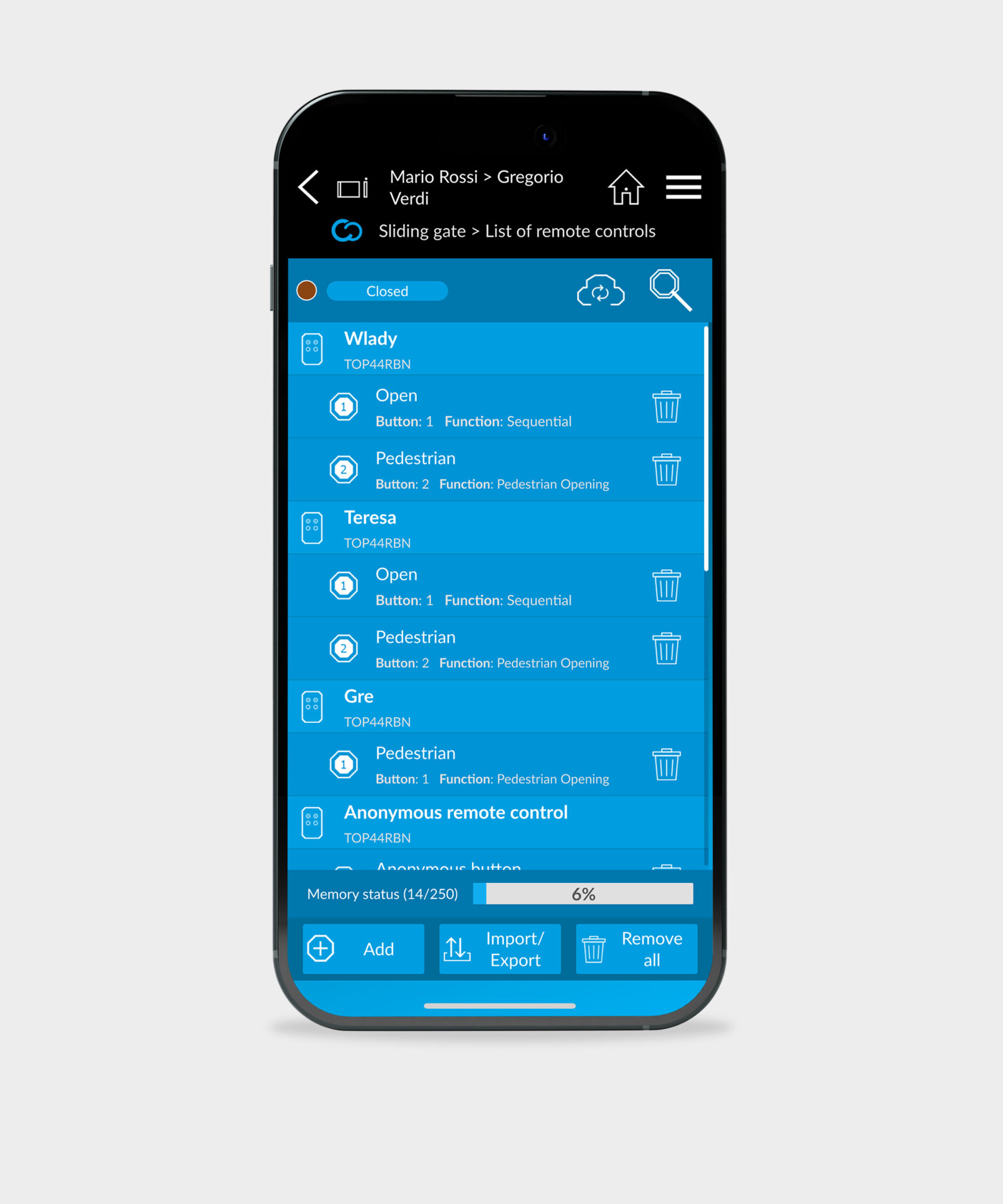
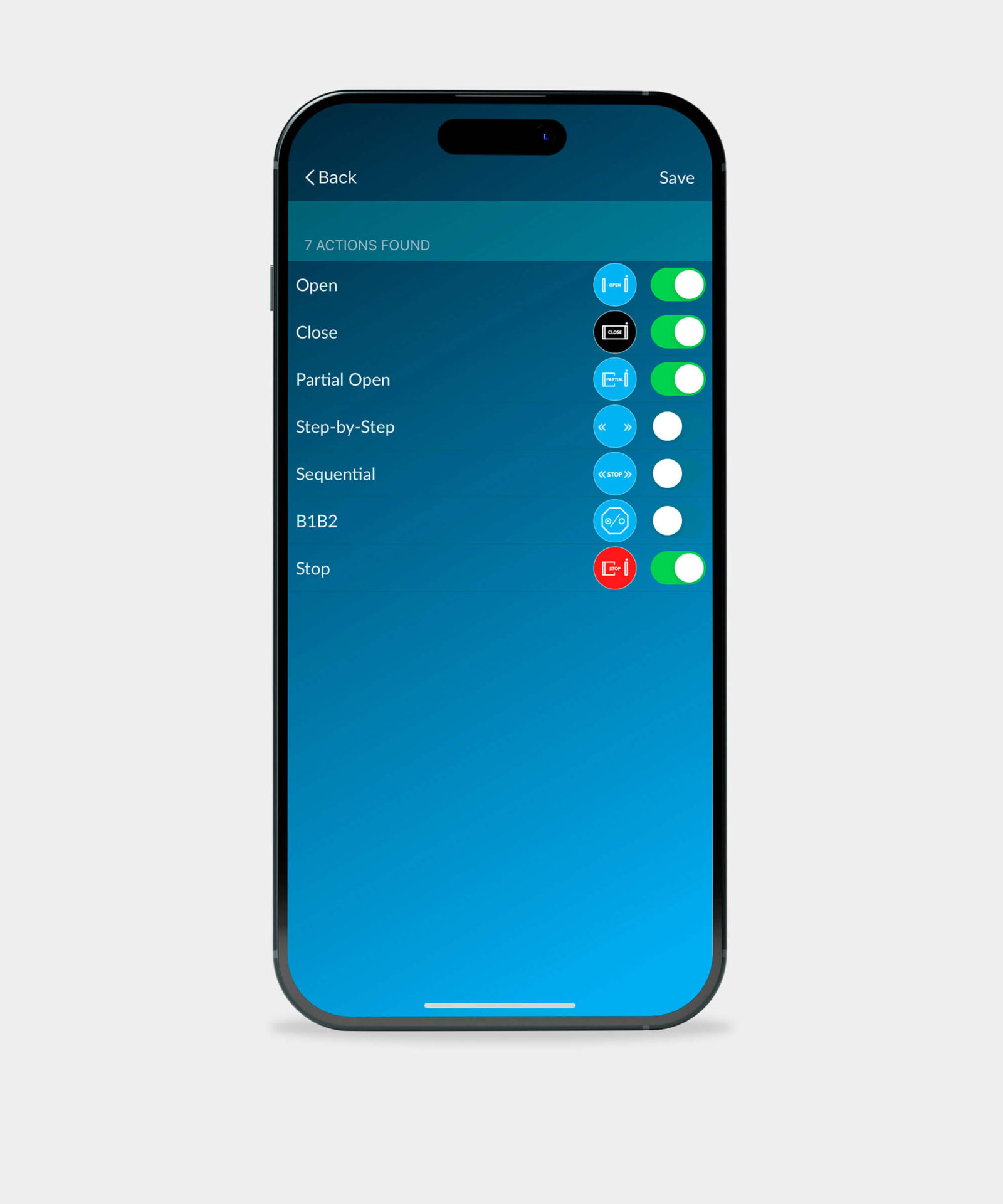
Description: CONNECT SetUp is dedicated to professionals, redefining the way you manage customers and their automation systems. With its simple and intuitive interface, you can use your smartphone to configure automations, perform diagnostics, and manage your customers’ remote controls and control accessories, such as keypads and transponders. Log in with your CAME CONNECT credentials to manage and control everything with a simple click.
Download Links:
App Store

Play Store

USER profile: Final User
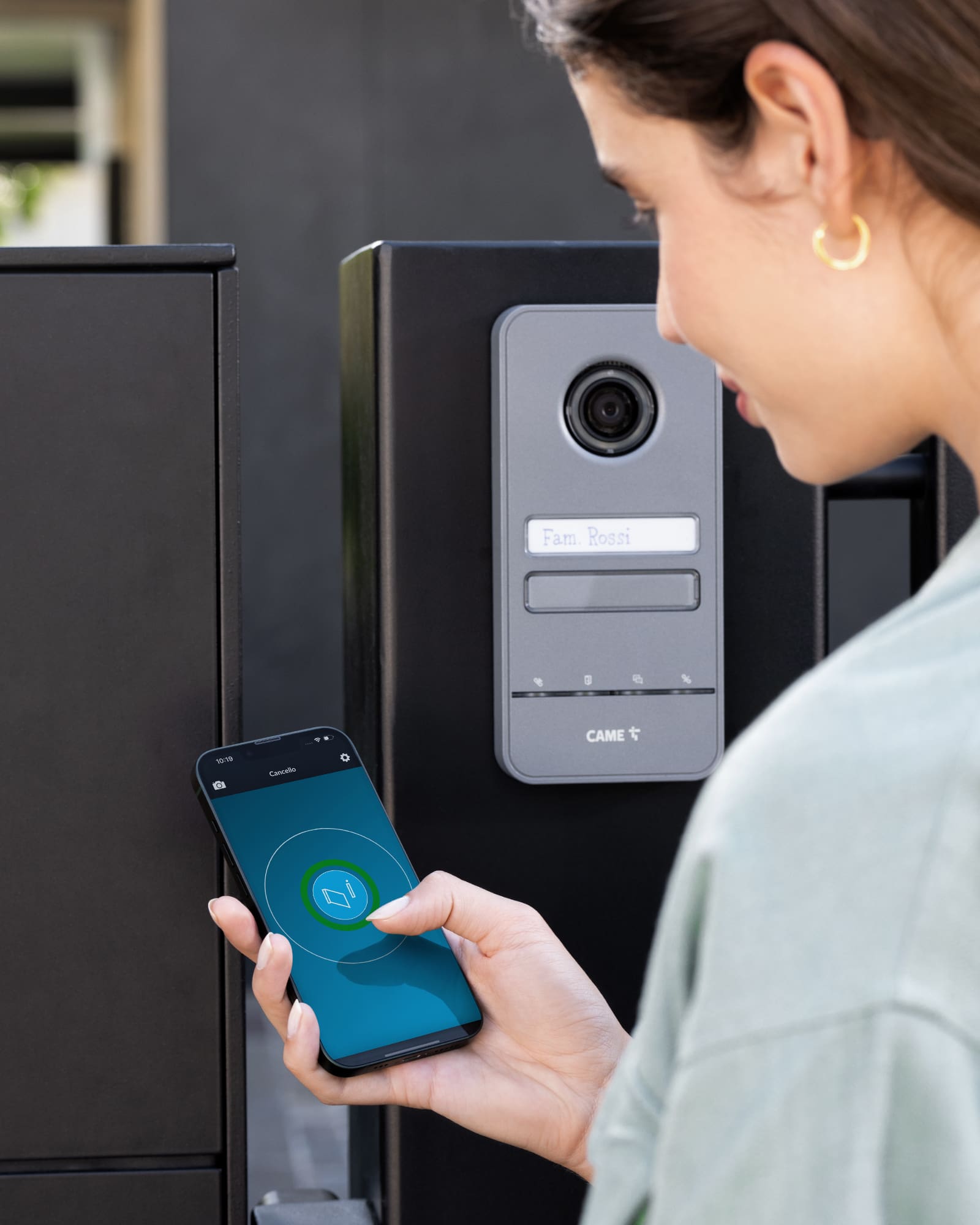
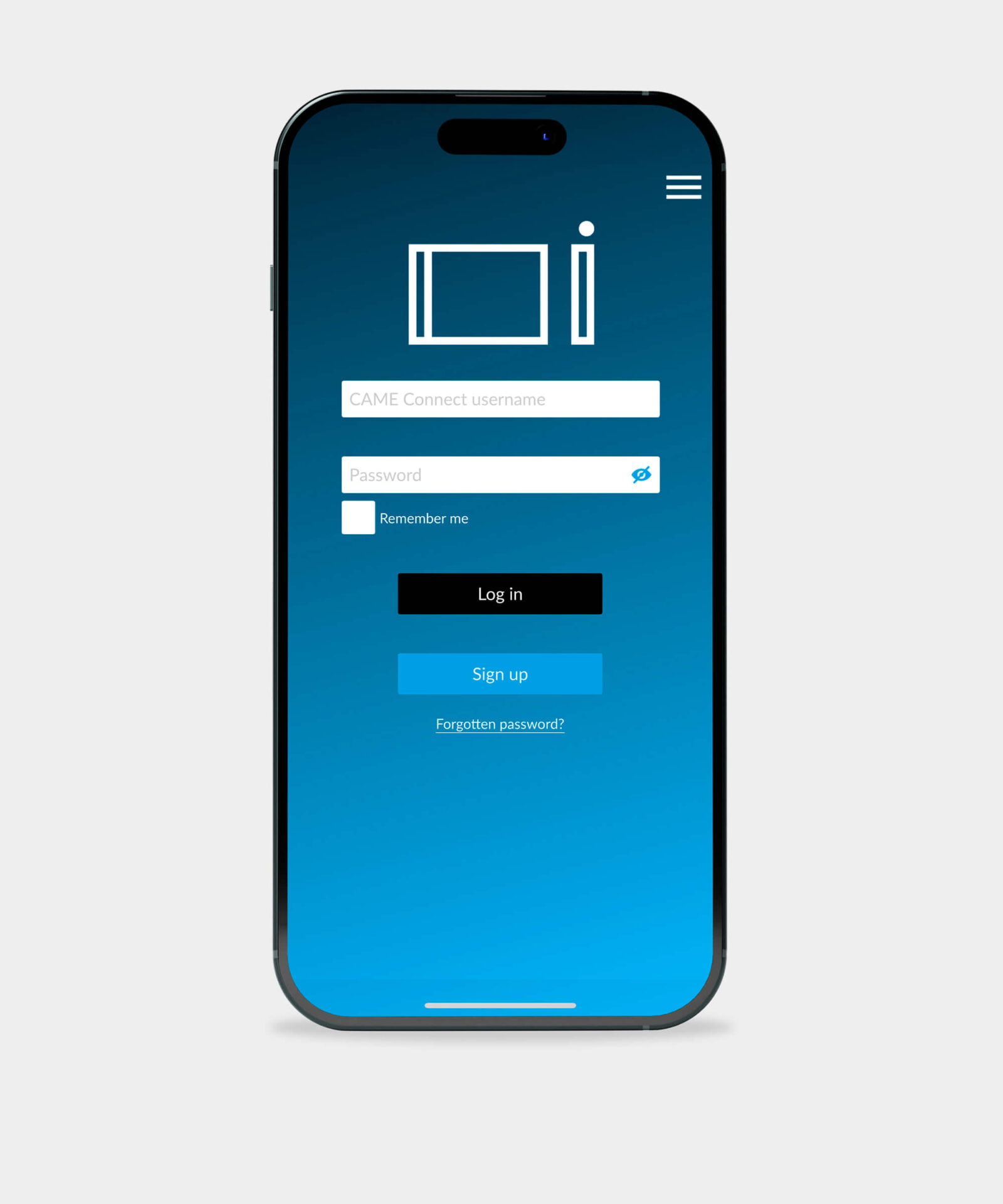
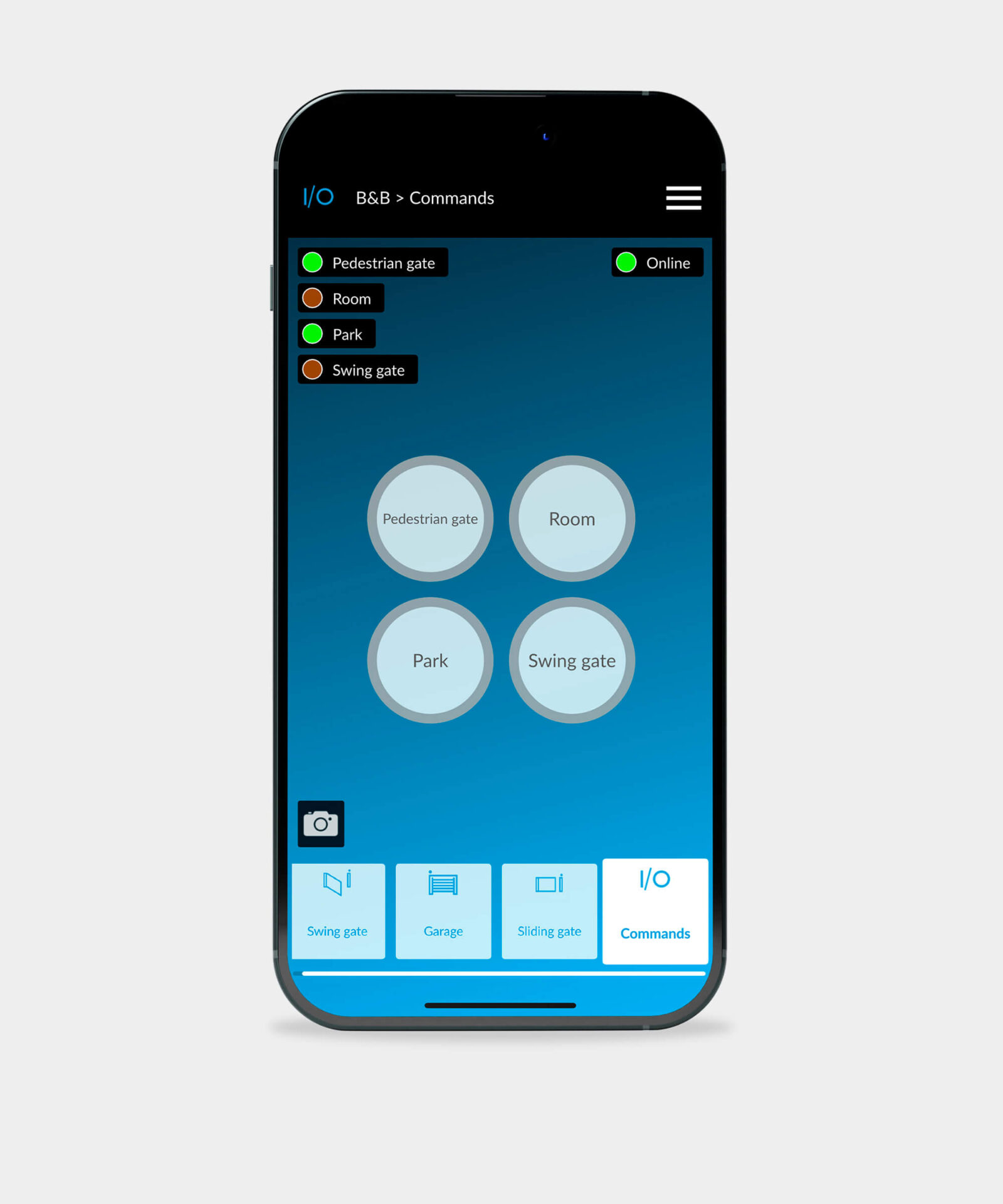
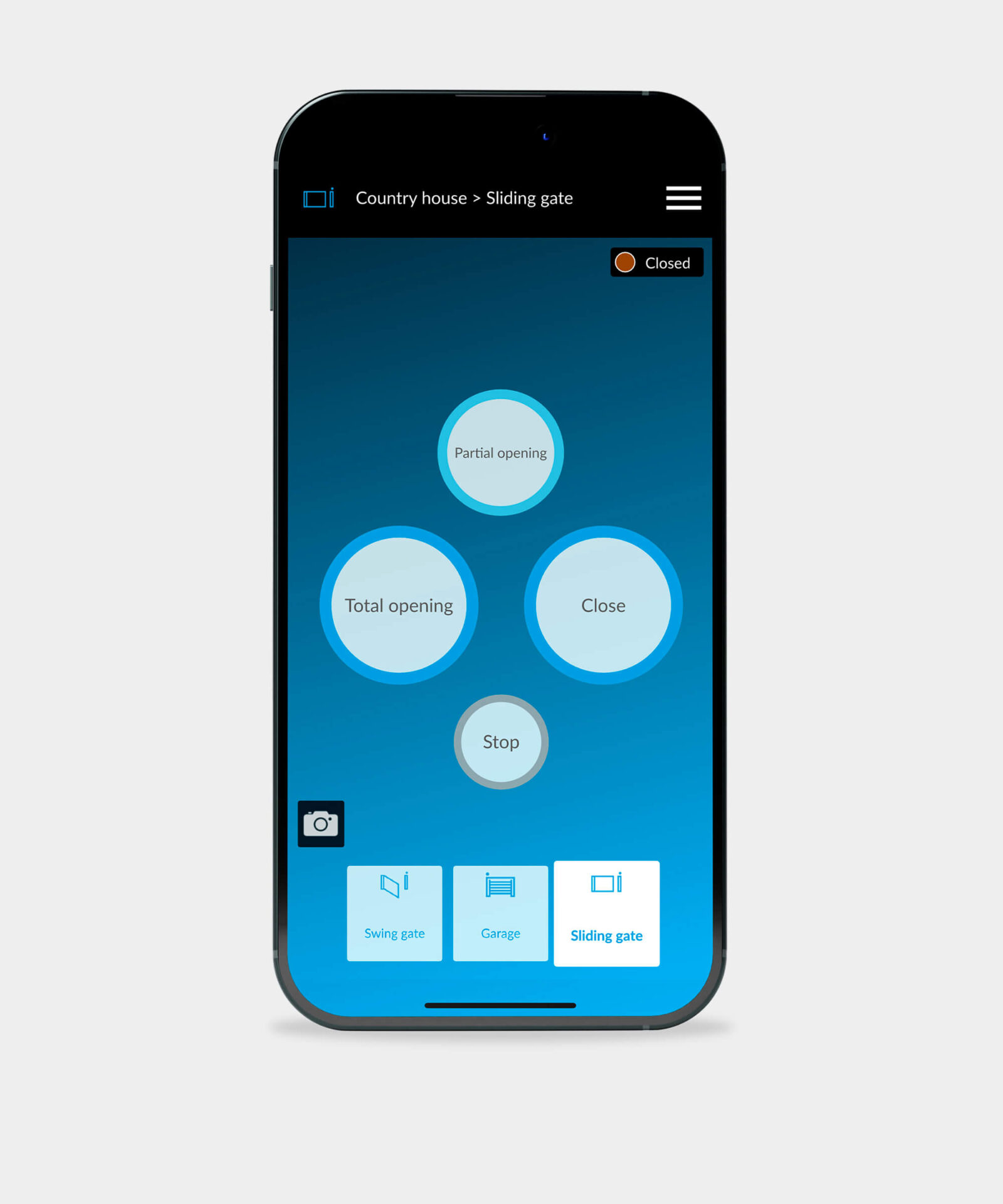
Description: Control your home automation on CAME CONNECT. With a simple and intuitive interface, you can use your smartphone to open, close, and monitor your automation systems from anywhere. The app automatically includes all your systems configured on the CAME CONNECT Cloud, allowing you to personalize each automation with an image. Log in with your CAME CONNECT credentials and control your automation systems with a simple click.
Download Links:
App Store

Play Store

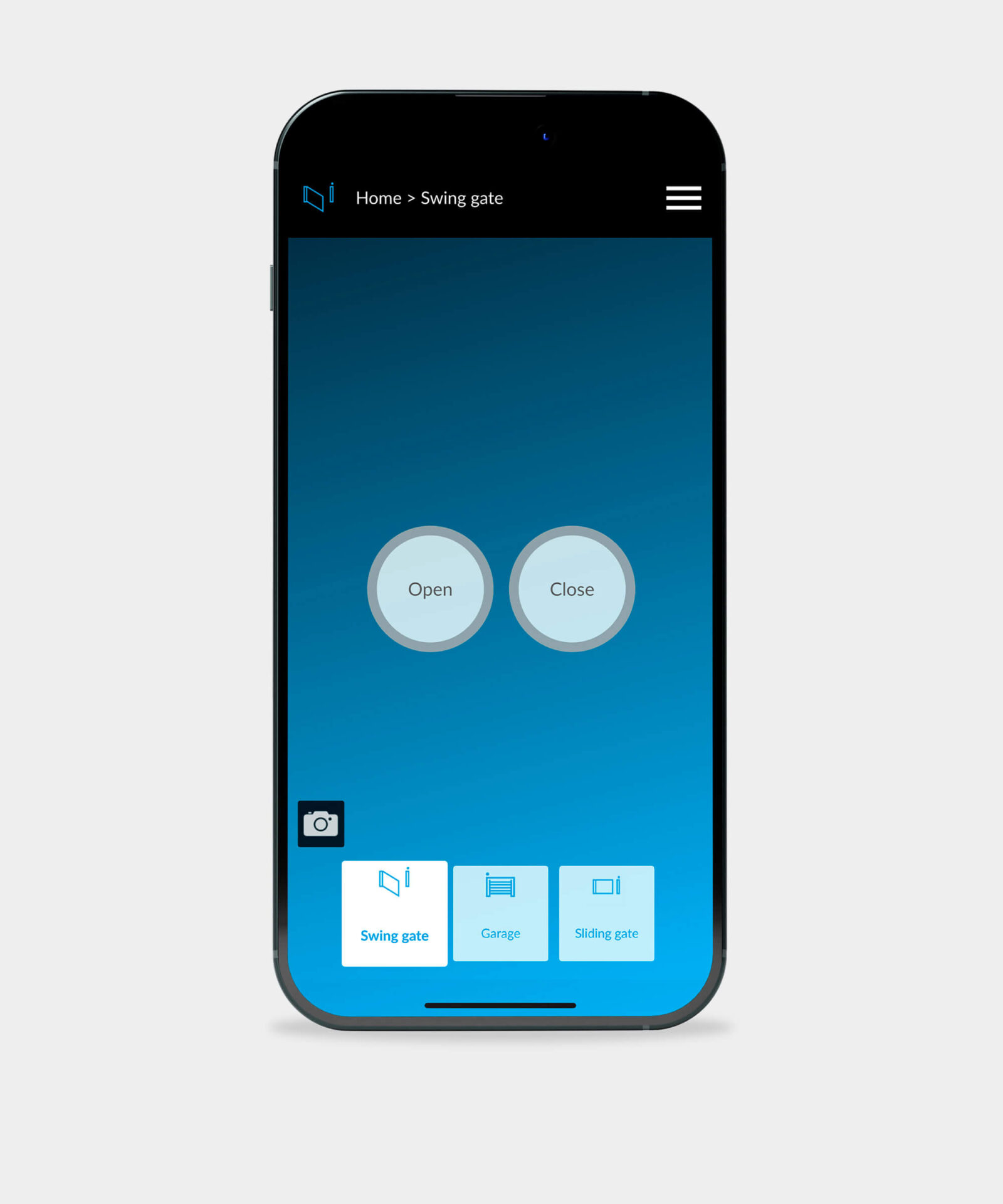
USER profile: Final User
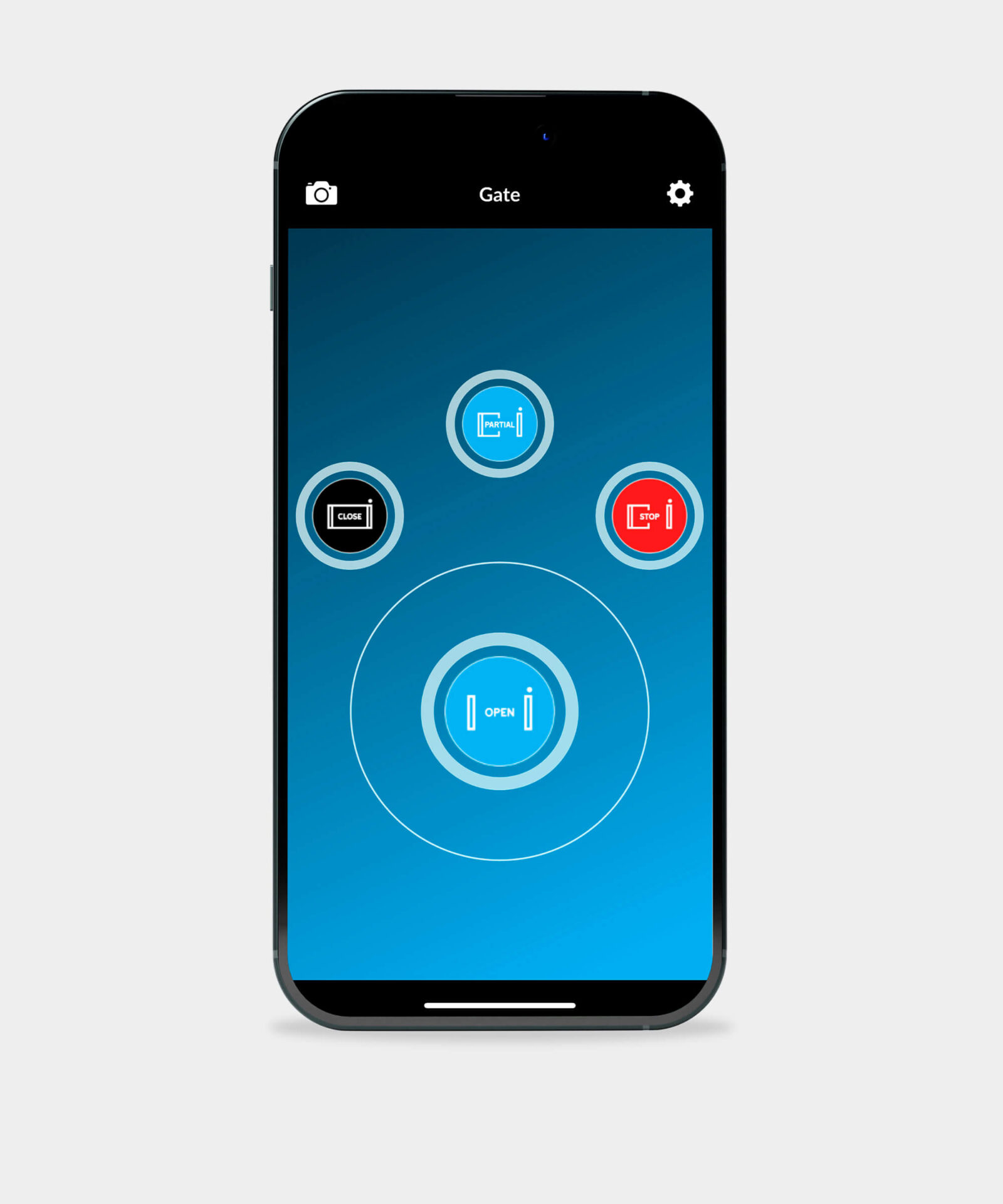
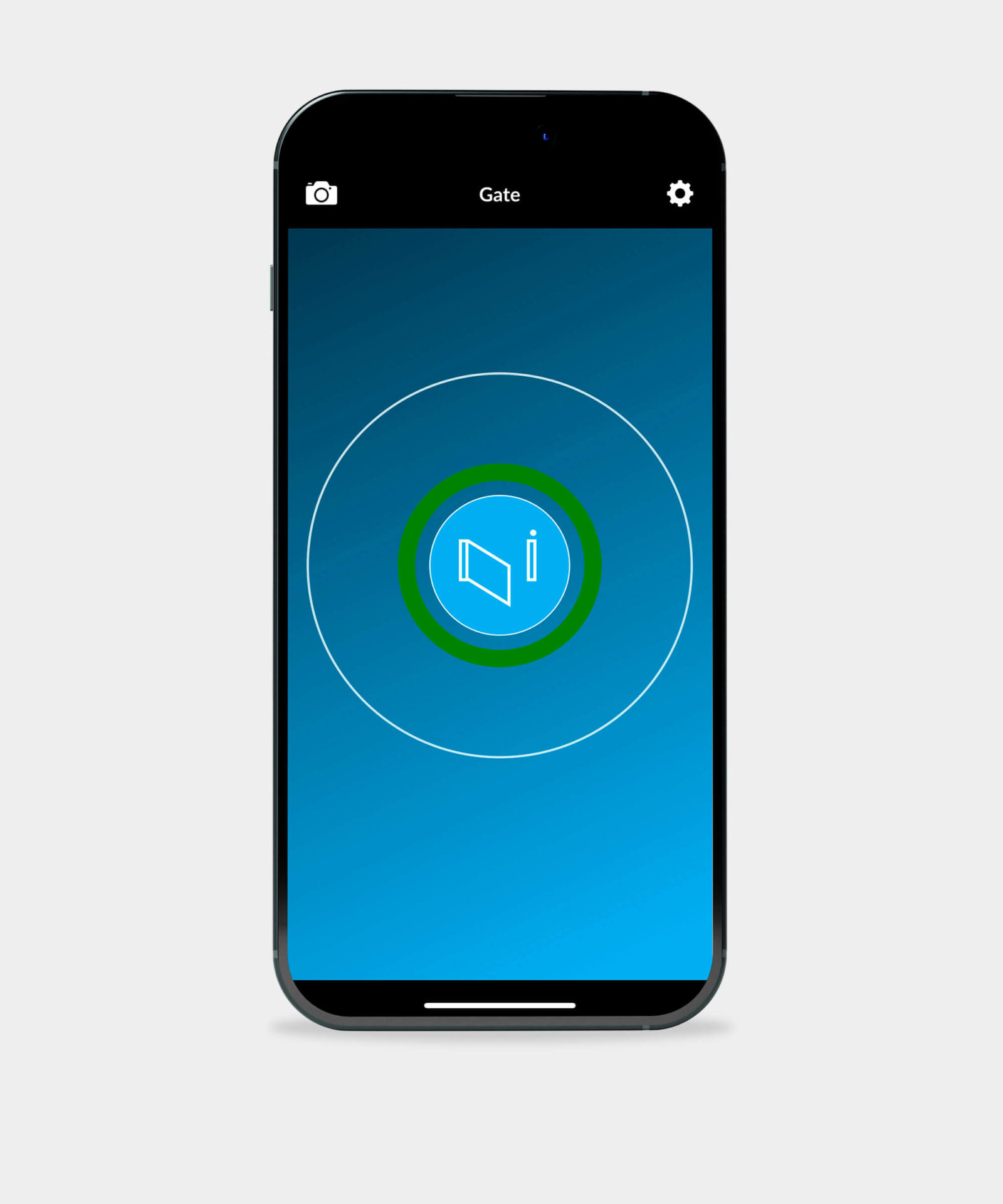
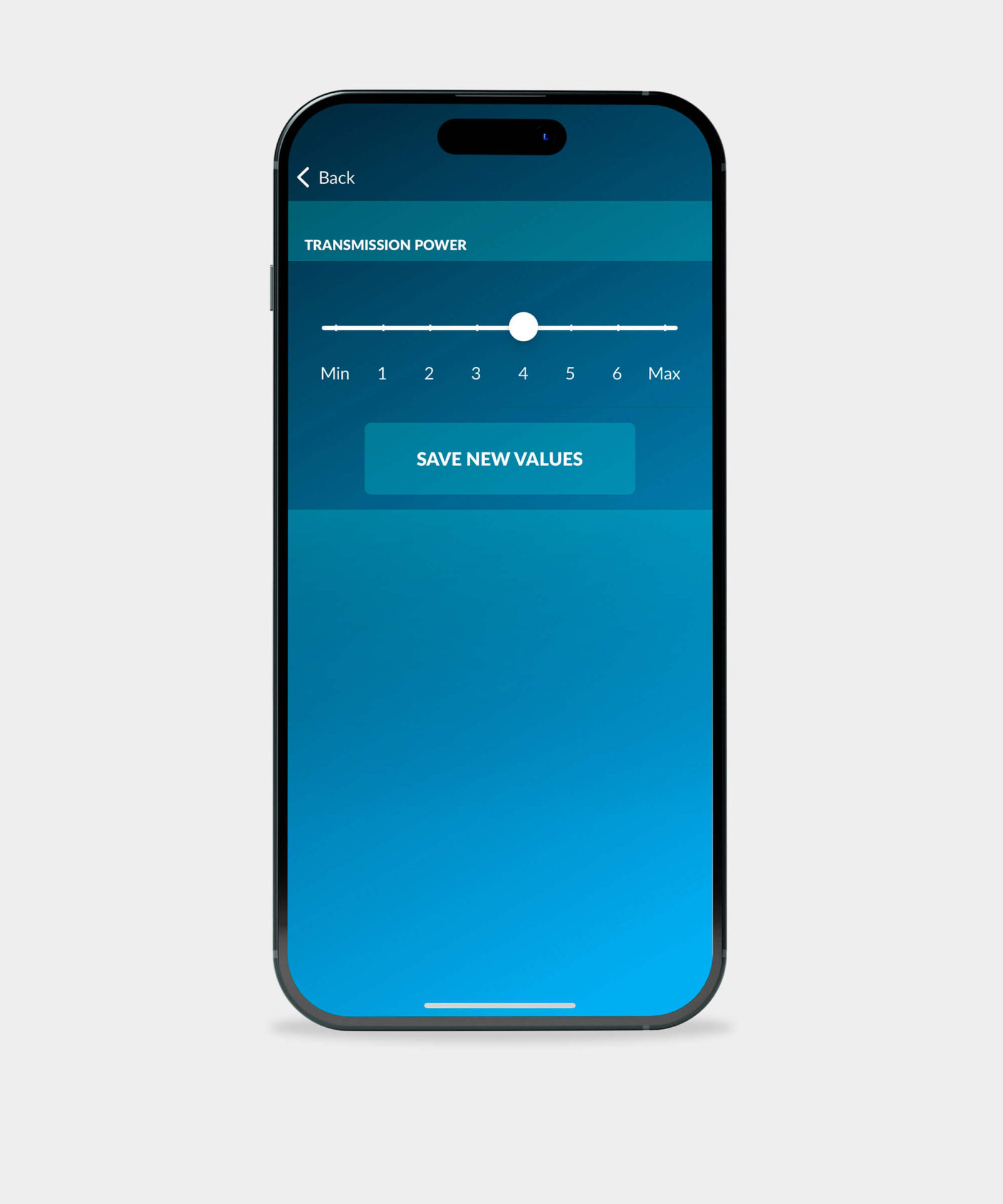
Description: Take command of your automation systems directly from your smartphone with the AutomationBT App and the CAME Bluetooth Selector. No internet connection is necessary—just activate Bluetooth mode on your device. For maximum security, all configuration operations are PIN-protected, ensuring a safe installation process. Enjoy seamless access with proximity notifications. As you approach the Bluetooth selector, you’ll receive a prompt, allowing for quick system activation without needing to unlock your phone. Customize your experience by setting the range of the Bluetooth selector and adjusting the operational radius.
Download Links:
App Store

Play Store

USER profile: Final User
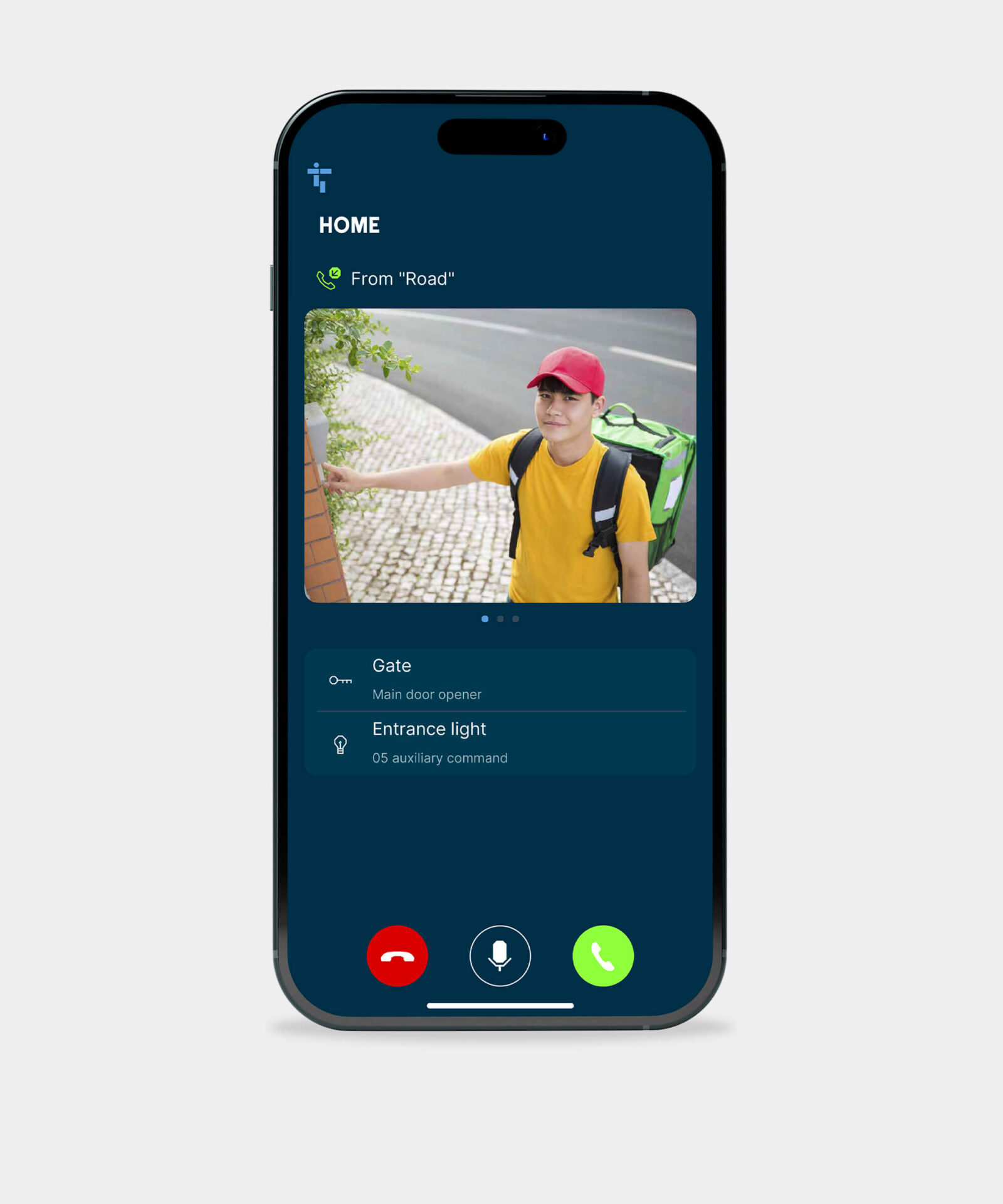
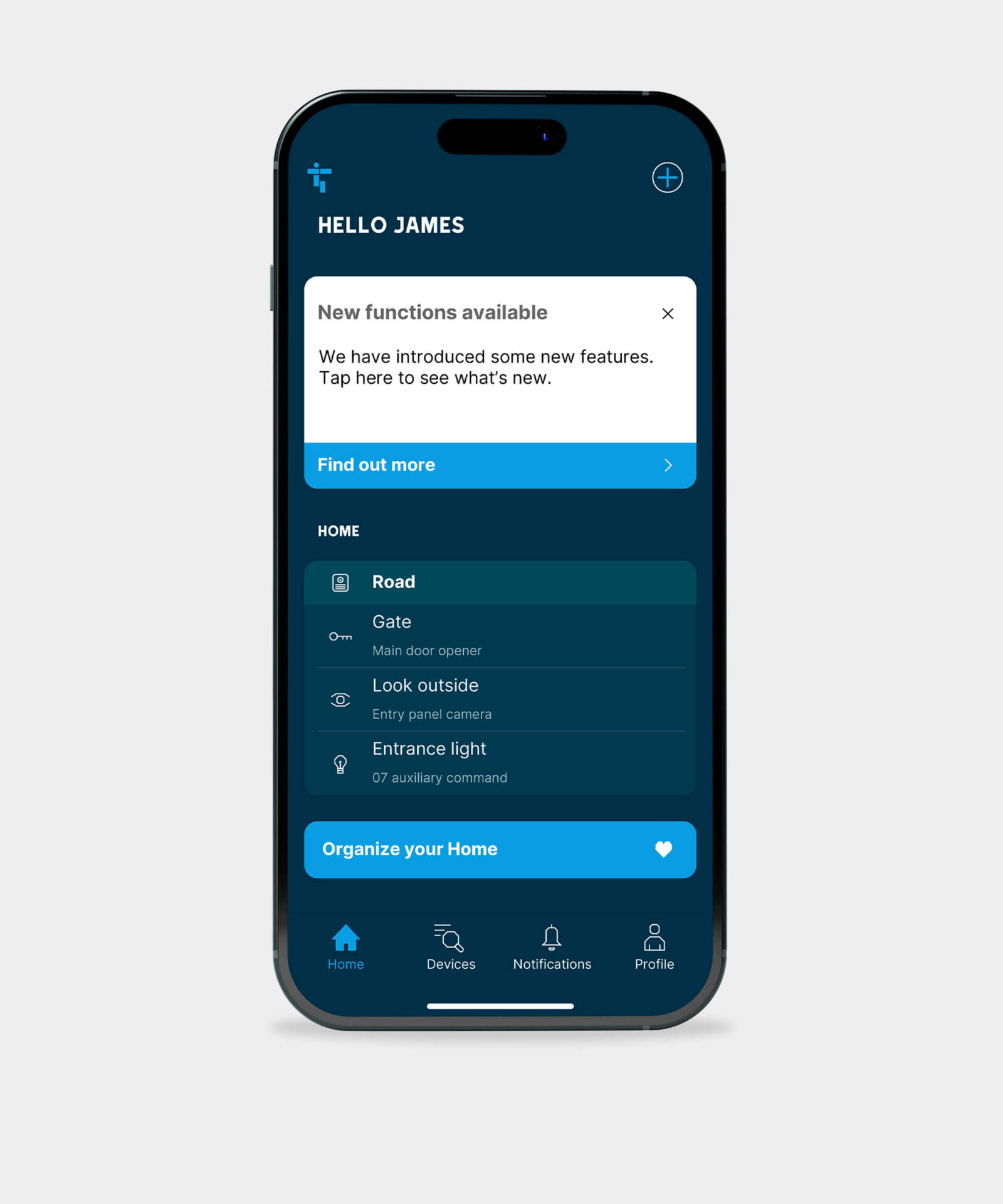
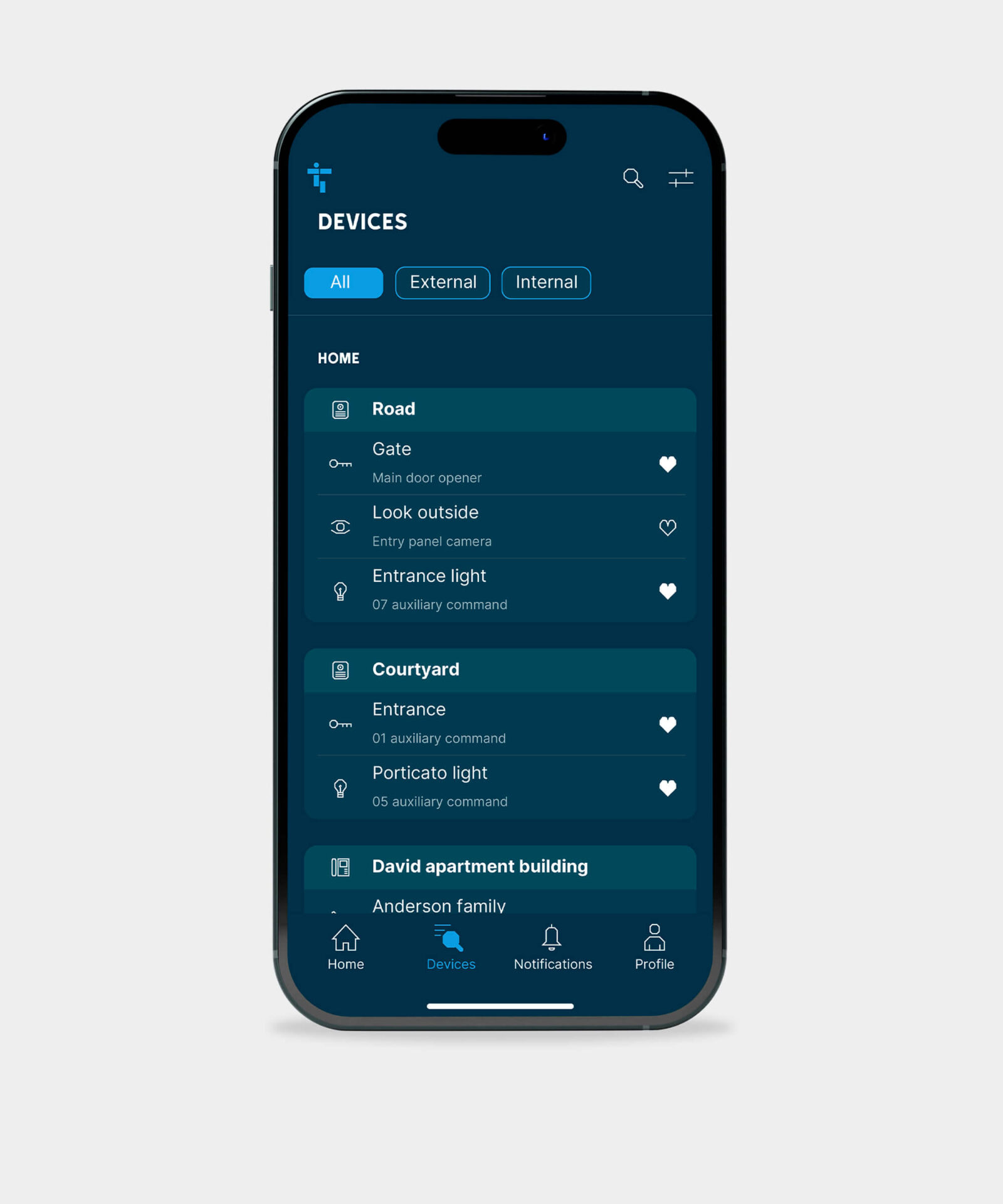
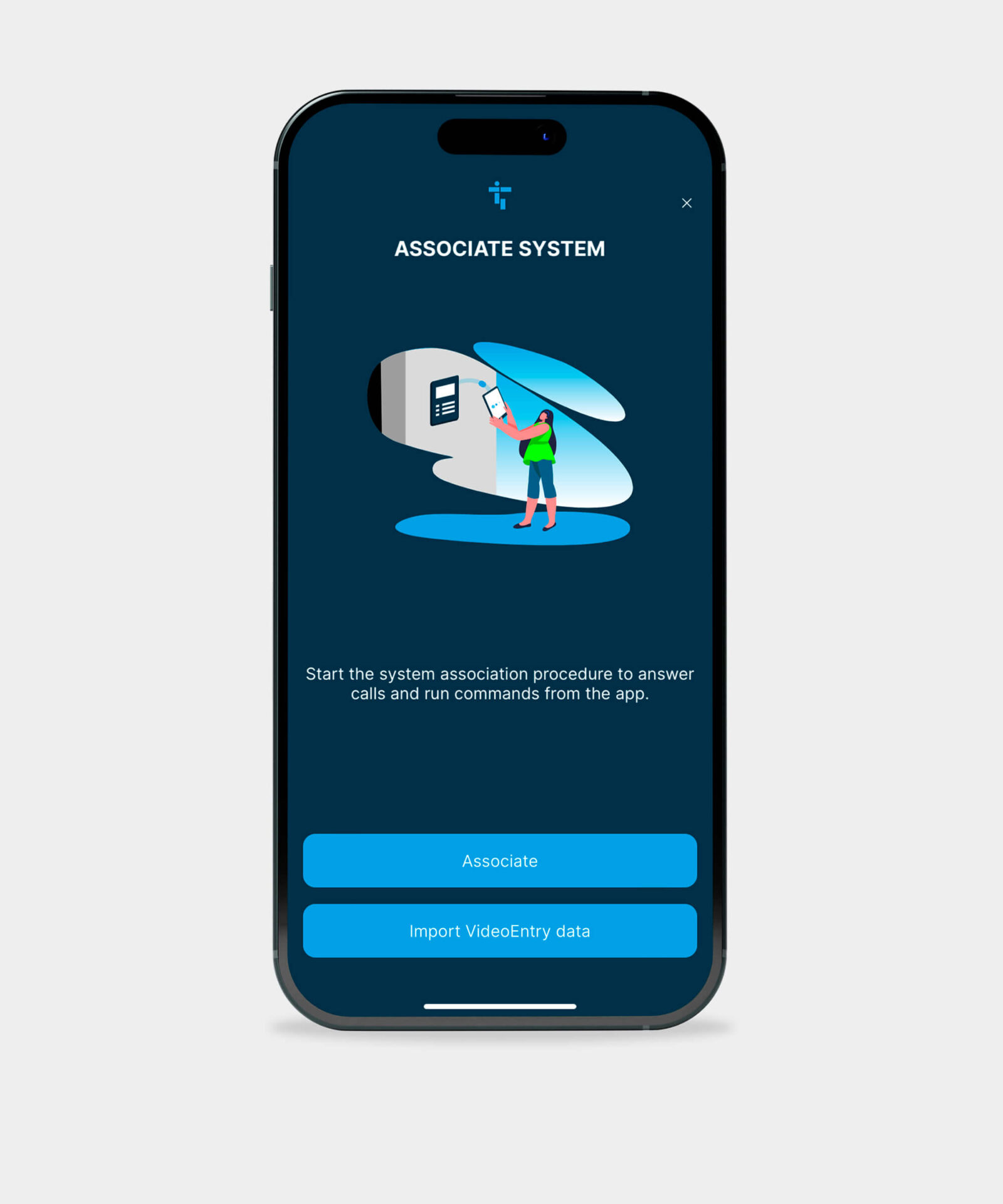
Description: The App Access for video entry systems offers a robust and versatile solution, enabling users to receive audio and video calls from entry panels or a building concierge desk.
It supports multiple installations under a single account and users can issue commands like door unlocking or light activation and create favourite device lists for quick actions. Features include video previews of incoming calls, camera self-activation, intercommunication with connected devices, and a detailed call log.
Notifications for messages, alerts, and news ensure users stay informed. Configuration is user-friendly with Wi-Fi receivers, and the app is available for both Android and iOS. Customizable command names, user management, adjustable microphone gain, and modes like “Do Not Disturb” add to its flexibility.
Download Links:
App Store

Play Store

USER profile: Final User
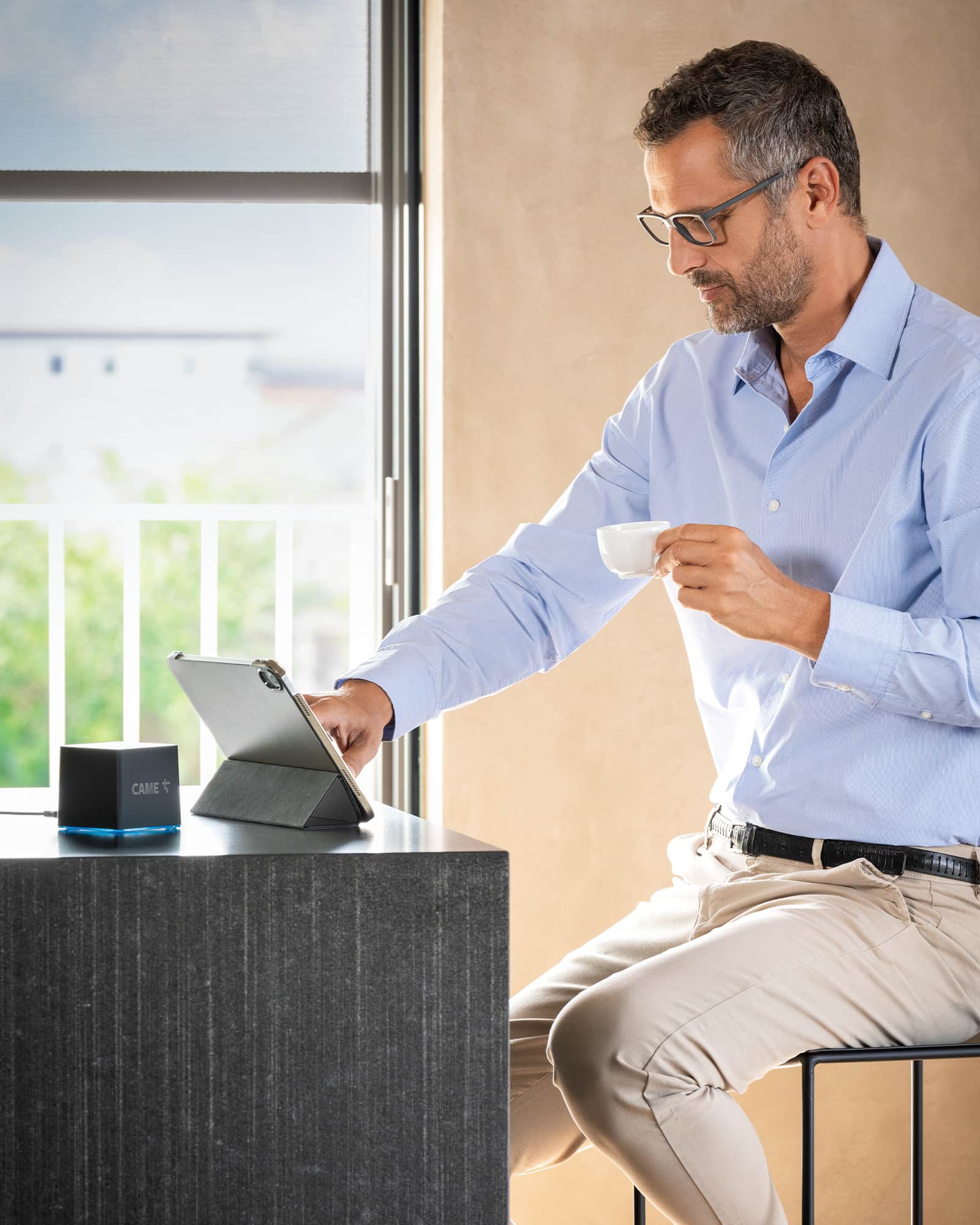
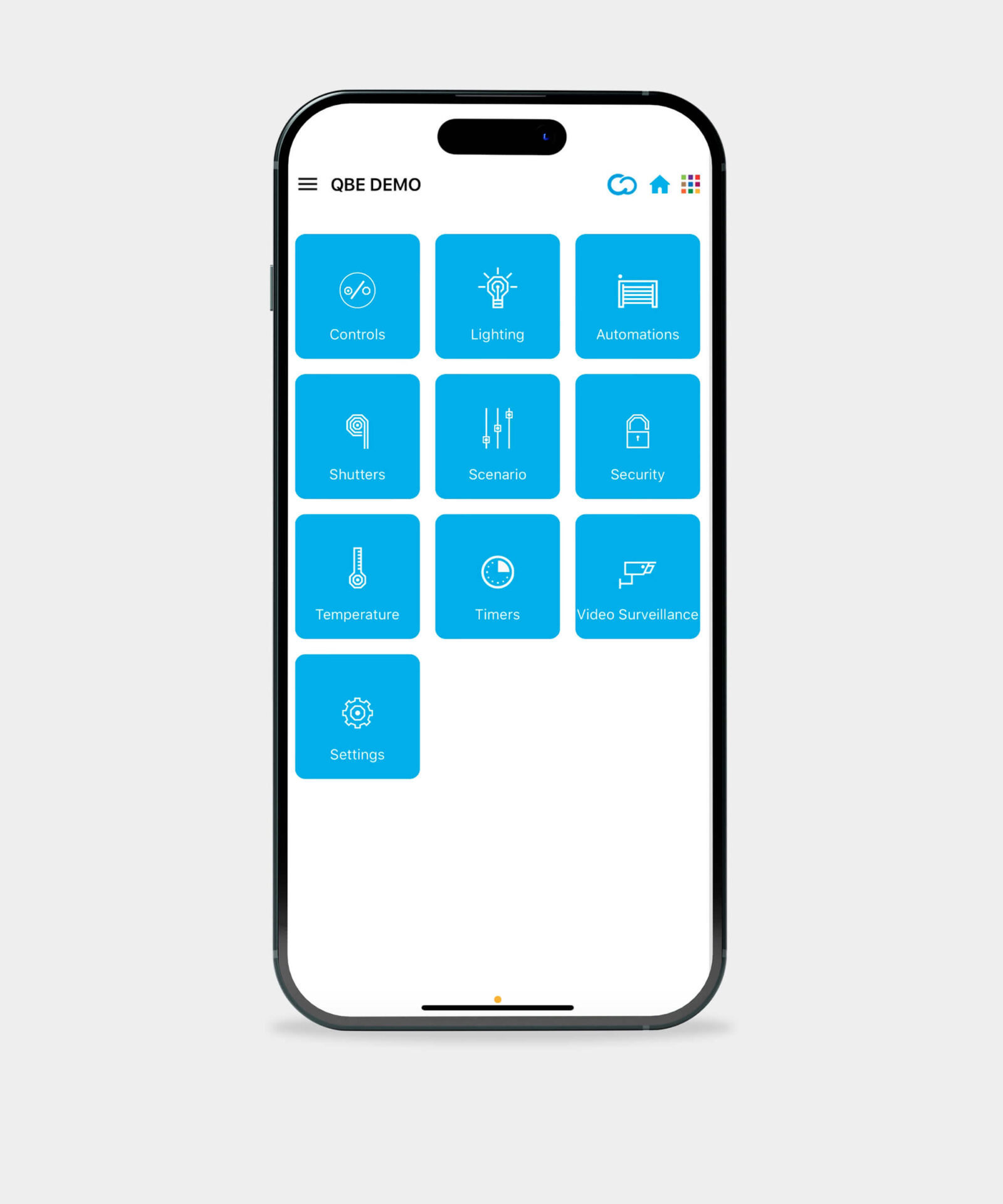
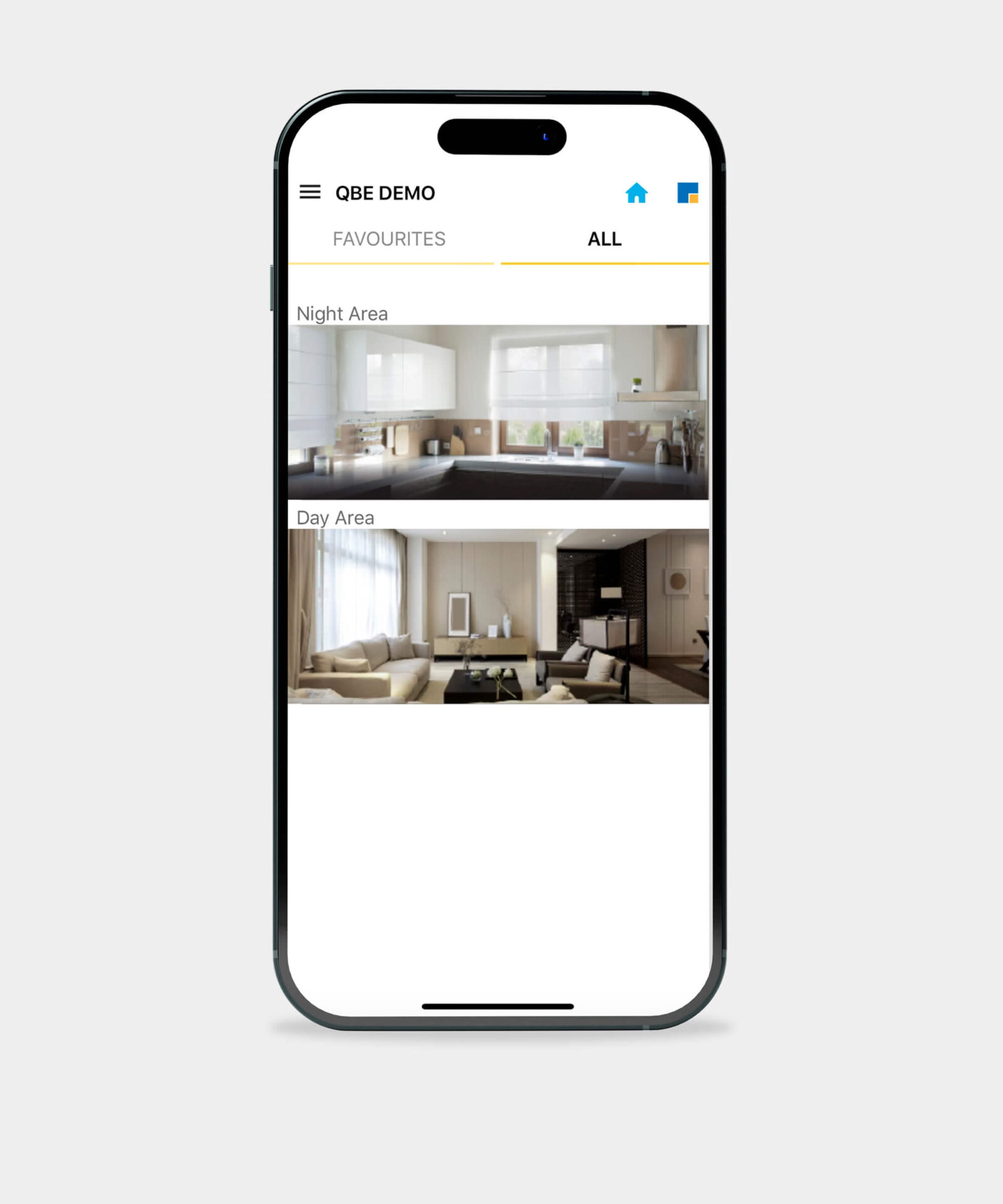
Description: The QBE App allows you to manage all the functions of the CAME QBE home automation system via a simple and intuitive graphic interface. You can navigate through the functions or menus of the graphic maps. Through the maps you recreate images of the various rooms in your home.
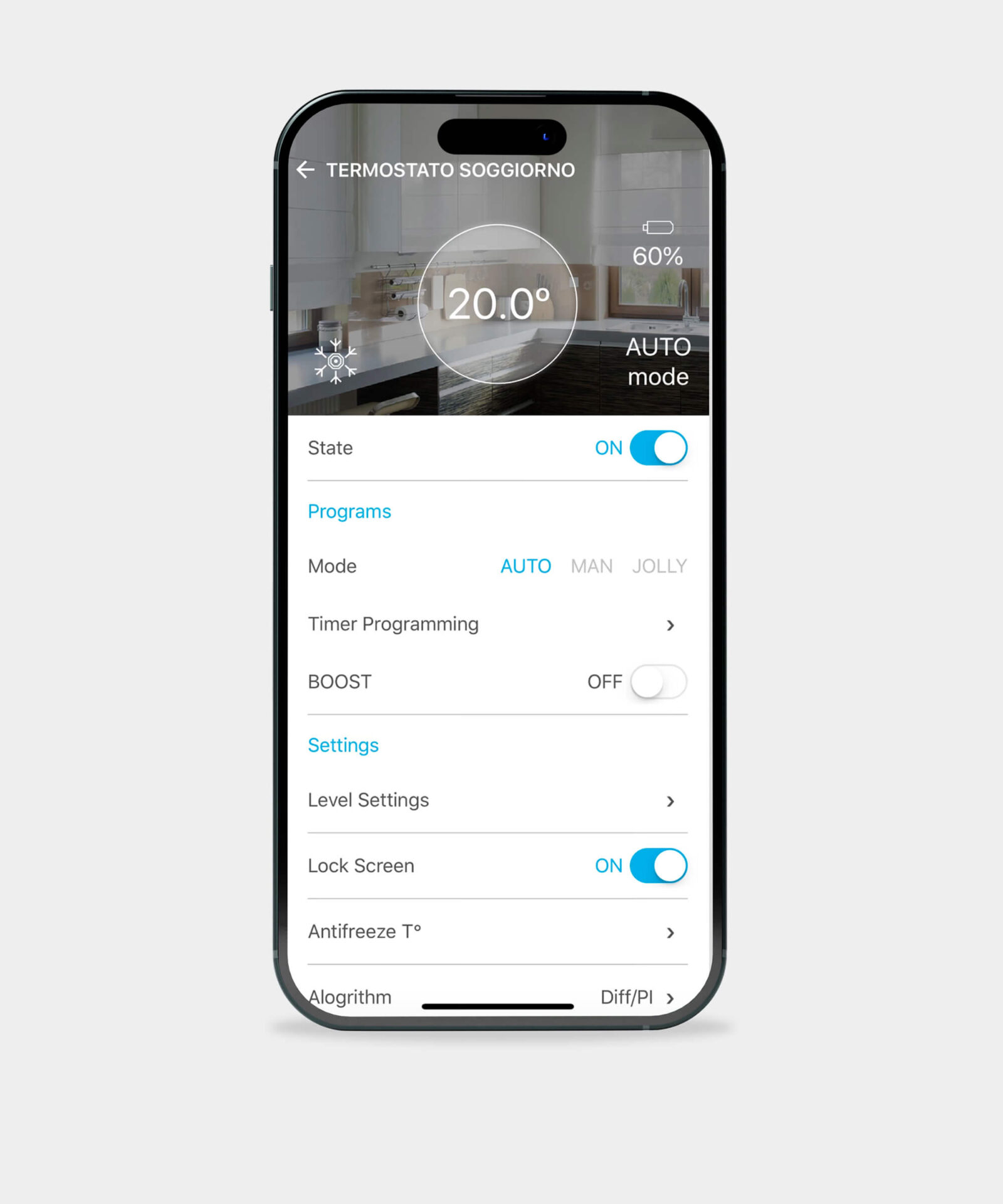
All the functions in the system are easily accessible, such as controlling gates and garage doors, controlling thermostats, controlling lighting, controlling roller shutters, controlling the burglar alarm system and managing scenarios via the portable device on which the QBE wireless gateway is installed.
Download links:
App Store

Play Store

You will find these and other CAME App’s at Apple Store – Android Store